
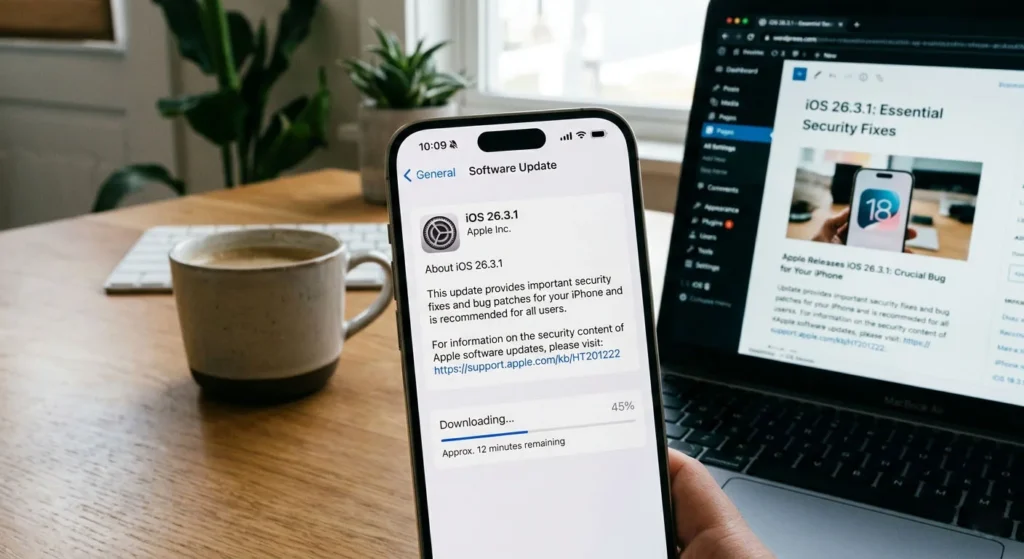
Apple has quietly released a new iPhone update that’s making big waves across the tech world. The iOS 26.3.1 (a) update introduces a powerful new concept called background security improvements—a feature designed to protect users without interrupting their daily experience.
While this update may seem “invisible” at first glance, it’s actually one of Apple’s most important security upgrades in recent years. With cyber threats rising globally and new iPhone hacking techniques emerging, Apple is shifting its strategy toward faster, silent protection.
Let’s break down everything you need to know about this trending update and why it matters for millions of iPhone users.
🔍 What Is iOS 26.3.1 (a)?
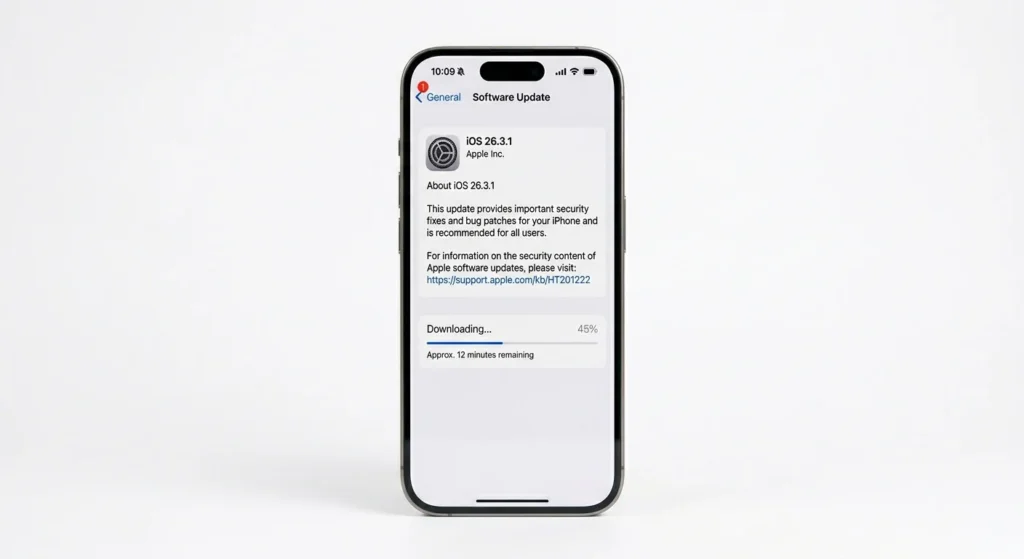
The iOS 26.3.1 (a) update is a rapid security response-style release that focuses on fixing vulnerabilities without requiring a full system update.
Unlike traditional iOS updates that include new features, design changes, or bug fixes, this update works quietly in the background to:
- Patch critical security vulnerabilities
- Protect users from web-based attacks
- Improve overall iPhone privacy and safety
Apple officially introduced this system as part of its Background Security Improvements initiative, which is supported starting from iOS 26.1 and later versions .
🚨 Why This Update Is Trending Right Now
The update is trending in the United States and globally due to growing cybersecurity threats targeting iPhones.
Recent reports revealed that hackers are using malicious websites and browser-based exploits to steal user data, including passwords, photos, and financial information .
In fact:
- Over 220 million iPhones were reportedly at risk from new malware attacks
- These attacks exploited weaknesses in web technologies like Safari
- Apple responded quickly with this background security patch
Additionally, Apple issued warnings urging users to update immediately to stay protected from these threats .
🔐 What Are Background Security Improvements?
This is where things get interesting.
Background Security Improvements (BSI) is a new Apple system that allows security patches to be delivered without requiring a full iOS update or device restart.
🔧 Key Features:
- Updates install automatically in the background
- No interruption to user activity
- Faster response to emerging threats
- Focused fixes instead of full system upgrades
This marks a major shift in how Apple handles security updates. Instead of waiting weeks for a full iOS release, Apple can now fix critical issues almost instantly.
🧠 What Security Issue Does iOS 26.3.1 (a) Fix?
The update specifically targets a vulnerability in WebKit, the core engine behind Safari and all iOS browsers .
⚠️ The Problem:
Hackers could use a malicious website to:
- Bypass security restrictions
- Access data from other websites
- Potentially steal sensitive user information
This type of attack is especially dangerous because it doesn’t require users to install anything—just visiting a compromised website could trigger it.
✅ The Fix:
Apple patched this flaw through the background update, preventing:
- Unauthorized data access
- Cross-site attacks
- Exploits targeting Safari sessions
According to reports, this vulnerability could allow attackers to bypass the Same-Origin Policy, a key web security mechanism .
📱 How This Update Changes iPhone Security
Apple is moving toward a “continuous protection model” where your device stays secure in real time.
Before:
- Users had to manually update iOS
- Security fixes came with large updates
- Delays increased risk
Now:
- Updates happen automatically
- Security patches are delivered instantly
- Users stay protected without action
This is similar to how modern browsers update silently—but now applied to the entire iPhone ecosystem.
⚡ Should You Install iOS 26.3.1 (a)?
Yes—absolutely.
Even though this update doesn’t include visible features, it is critical for your device’s safety.
📌 Reasons to Update:
- Protects against active hacking threats
- Fixes serious browser vulnerabilities
- Improves overall privacy
- Keeps your device secure without effort
Apple strongly recommends keeping automatic updates enabled to receive these fixes immediately.
🛠️ How to Enable Background Security Updates
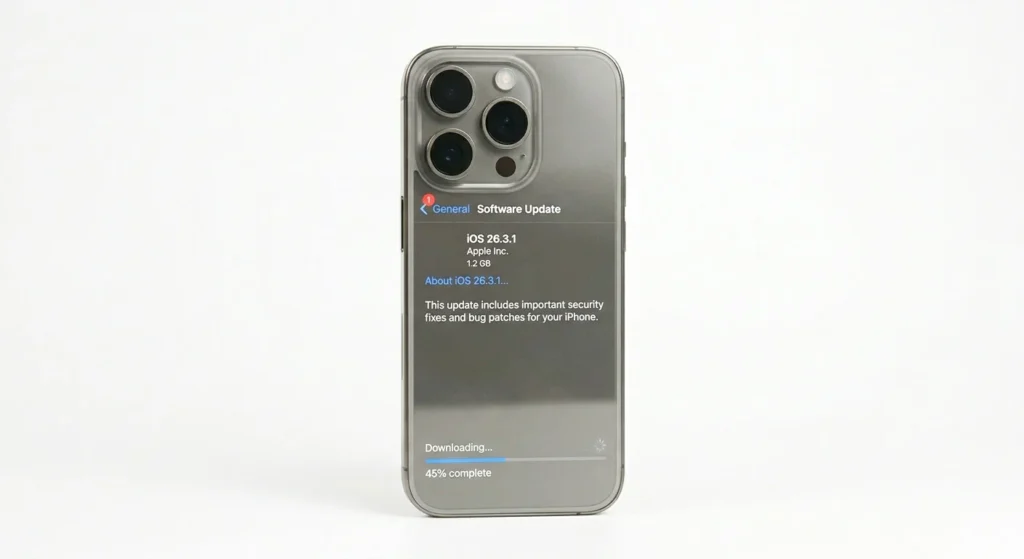
To make sure your iPhone stays protected:
- Go to Settings
- Tap Privacy & Security
- Select Background Security Improvements
- Enable Automatic Installation
This ensures you never miss an important security patch.
🌍 Why This Matters for the Future of iOS
The introduction of background security updates signals a new era for Apple security.
🚀 What This Means:
- Faster response to zero-day vulnerabilities
- Reduced risk for everyday users
- Less dependency on major iOS releases
- Improved trust in Apple’s ecosystem
With cyber threats becoming more advanced, this approach allows Apple to stay ahead of hackers.
📊 SEO Insight: Why This Update Is Going Viral
This topic is trending because it combines three powerful search interests:
- “iPhone security update”
- “iOS 26.3.1 (a)”
- “Apple background security improvements”
Users are actively searching for:
- “Should I update iOS 26.3.1 (a)?”
- “Is iPhone safe from hackers?”
- “Apple security patch 2026”
This makes it a high-traffic, Google Discover-friendly topic perfect for tech news websites.
🧾 Conclusion
The iOS 26.3.1 (a) update may not bring flashy new features, but it delivers something far more important—real-time security protection.
By introducing background security improvements, Apple is changing how iPhones stay safe in an increasingly dangerous digital world. Instead of waiting for big updates, users now benefit from instant protection against emerging threats.
If you haven’t updated yet, now is the time. This silent update could be the difference between staying secure and becoming vulnerable.
❓ FAQs
1. What is iOS 26.3.1 (a)?
It is a security-focused update from Apple that delivers background fixes without requiring a full system update.
2. Is iOS 26.3.1 (a) safe to install?
Yes, it is highly recommended as it fixes critical security vulnerabilities and protects your iPhone from hackers.
3. What does background security improvement mean?
It means Apple can update your device’s security silently in the background without interrupting your usage.