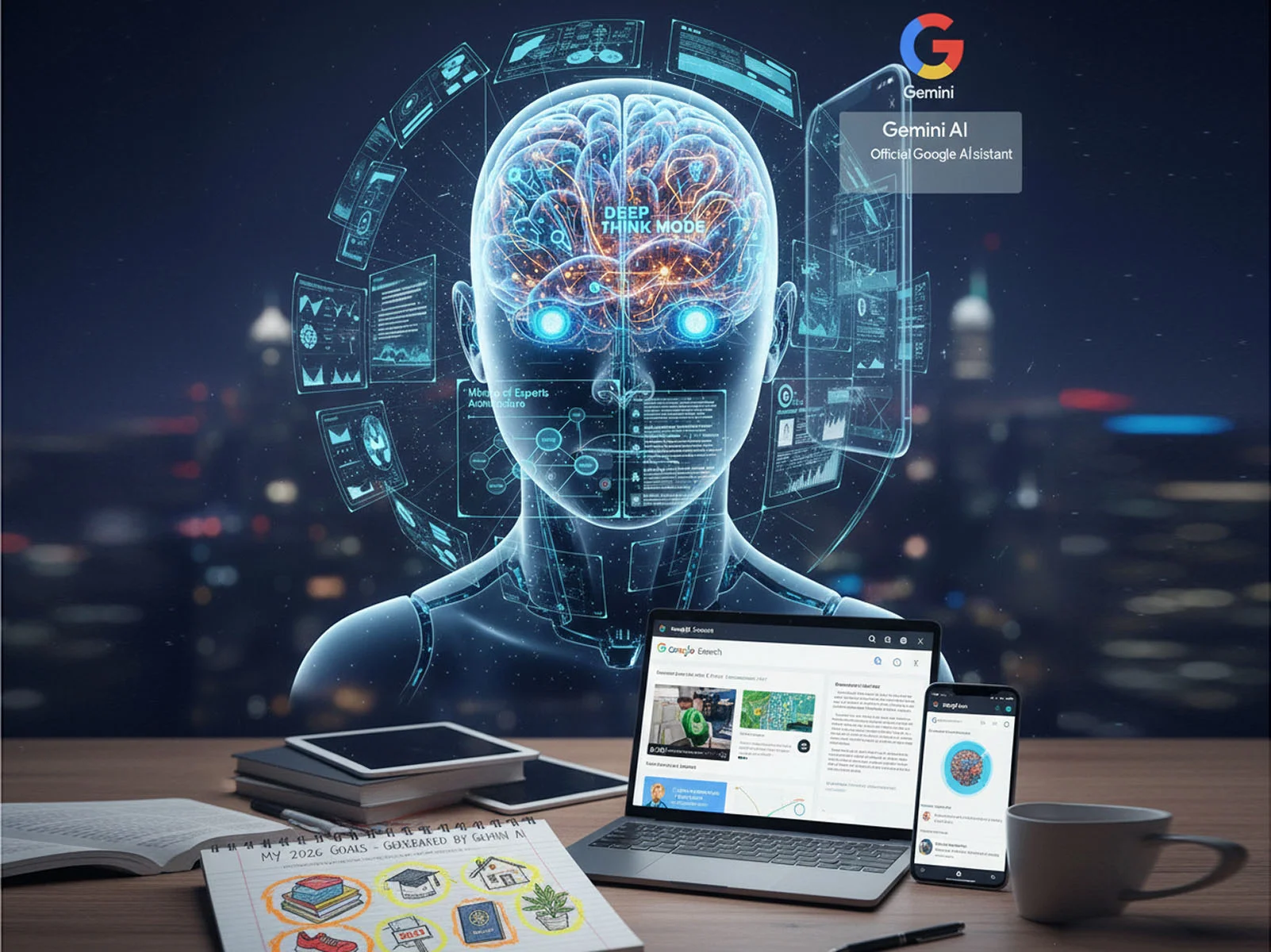
At its core, Gemini ai is a natively multimodal AI. Unlike older models that were built for text and then “patched” to see images, Gemini was trained from day one on a diverse diet of text, images, audio, video, and computer code.
The Technical Engine: Transformers and MoE
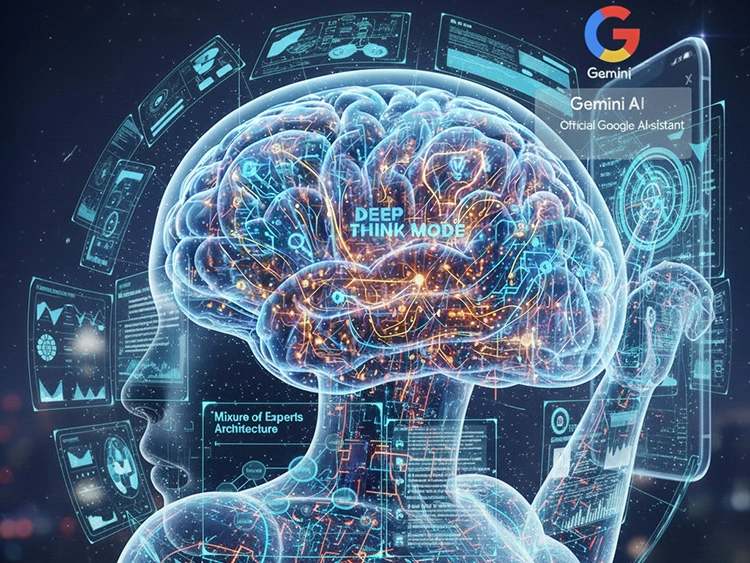
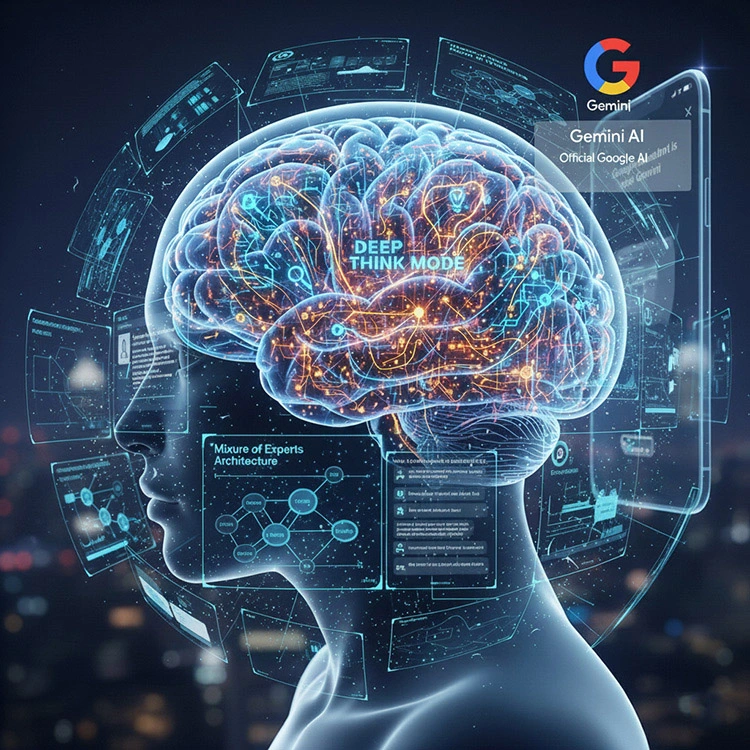
Gemini operates on a Transformer architecture, the same foundational tech that powers most modern AI, but with a twist called Mixture of Experts (MoE).
- The “Expert” System: Instead of using one giant, slow brain for every task, Gemini 1.5 and Gemini 3 models use a network of smaller “expert” sub-models.
- Efficiency: If you ask a coding question, only the “coding expert” parts of the brain activate. This makes the AI faster and significantly more accurate.
The 2026 Breakthrough: “Deep Think” Mode

The latest trending feature in the United States is Gemini 3’s Deep Think mode. This allows the AI to pause and simulate a chain of reasoning before answering. Instead of giving the most “statistically likely” next word, it solves the problem internally first, making it ideal for PhD-level research and complex debugging.
How Gemini AI Works for Users: Key Entry Points
Google has moved away from the “standalone app” model. In 2026, Gemini is “encountered” rather than “visited.” Here is how most users are interacting with it today:
1. AI Mode in Search (SGE)
When you search for something complex, like “how to plan a sustainable 3-day trip to Zion,” Gemini doesn’t just show links. It creates a Generative UI—a custom-built interface with maps, weather widgets, and a suggested itinerary, all generated on the fly.
2. Gemini Live: The Conversational Pivot
Available on Android and iOS, Gemini Live allows for real-time, bidirectional voice conversations. You can interrupt it, ask it to “speak faster,” or even show it your surroundings using your phone’s camera. It uses Low-Latency Audio to ensure the conversation feels like a natural phone call.
3. Workspace Integration (The “Help Me” Suite)
Inside Google Docs, Sheets, and Gmail, Gemini acts as a co-author.
- Docs: It can summarize a 50-page briefing into three bullet points.
- Gmail: It can “read” your previous threads to draft a reply that matches your specific tone and style.

Gemini’s massive context window allows it to process up to 2 million tokens (hours of video or thousands of pages) in a single session.
The Power of the “Long Context Window”
One of the most unique aspects of Gemini is its 1 million to 2 million token context window. In plain English, this means Gemini has a “short-term memory” large enough to hold:
- Over 1 hour of video.
- 30,000 lines of code.
- Thousands of pages of text.
Users can upload an entire textbook or a full-length movie and ask, “At what point does the protagonist change their mind?” Gemini doesn’t just search for keywords; it understands the entire narrative flow.
Comparison: Gemini vs. Other AI Models
Feature | Google Gemini (2026) | Traditional Chatbots |
| Input Type | Natively Multimodal (Video/Audio/Text) | Mostly Text-to-Text |
| Integration | Deeply embedded in Android & Workspace | Standalone Apps |
| Reasoning | Deep Think & Adaptive Reasoning | Pattern Matching |
| Ecosystem | Google Search, Maps, YouTube | Limited to training data |
Trending News: The Transition from Assistant to Gemini
As of early 2026, Google has officially begun the final phase of replacing Google Assistant with Gemini on all mobile devices. This is a massive shift for US users who rely on voice commands for smart homes. While Gemini offers superior reasoning, Google is still refining its “legacy” features like setting timers and controlling older IoT devices, with a full transition expected by March 2026.
Frequently Asked Questions (FAQs)
Is Gemini AI free to use?
Yes, Google offers a free version of Gemini (using the Flash model) accessible via the web and mobile apps. However, advanced features like Deep Think, Veo 3 video generation, and the 2MB context window require a Google AI Ultra subscription.
How does Gemini handle my privacy?
For personal users, Gemini uses data to improve its models, but users can opt-out via the “Gemini Apps Activity” settings. For Enterprise and Workspace users, Google does not use your data or prompts to train its global models.
Can Gemini generate images and videos?
Yes. Gemini integrates Imagen 4 for high-fidelity image generation and Veo 3 for creating short videos with sound. These tools allow for “conversational editing,” where you can ask the AI to “change the color of the car” in a generated image rather than starting over.
Does Gemini work offline?
On certain devices like the Pixel 10, Gemini Nano runs locally on the phone’s hardware. This allows for basic summarization and smart replies without an internet connection, ensuring higher privacy and zero latency.